
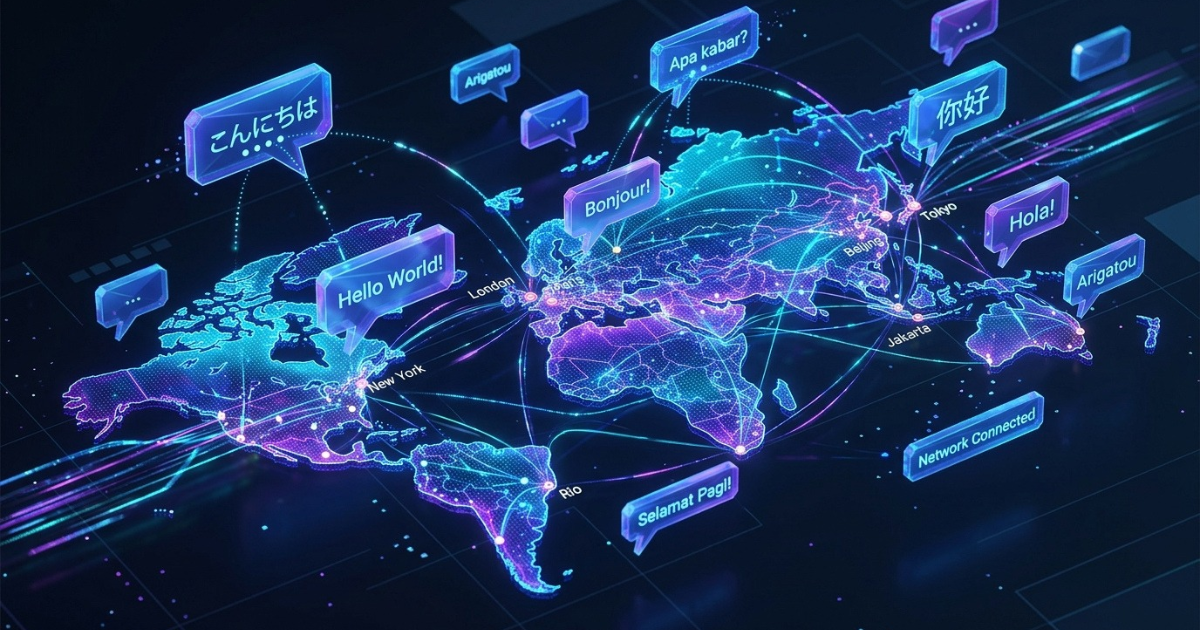
Picture the staff chat for a live event. Aiko, a Japanese organizer, posts that the program starts at 10:00. Made, an attendee from Indonesia, thanks her and asks where the first session room is. Tom, who writes in English, knows the answer: Hall B, on the second floor.
Three people, three languages, one question with a short answer. Getting that answer back to Made still takes longer than it should.
This is a hypothetical scene, but it's the one LangBridge uses in its own demo. Anyone who has worked across languages will recognize it.
The Workaround Everyone Uses
When a chat includes people who don’t share a language, the fix is manual. Someone copies the message, pastes it into a translation tool, reads the result, writes a reply, translates that, and pastes it back. It works, and it's a detour on every single message.
In a two-person conversation, that’s tolerable. In a group chat with three languages, each message has to be rendered for everyone who can’t read it, and the conversation slows to match. Replies arrive after the topic has moved on.
At SUM Digital, we built LangBridge to remove that step. It’s an AI chat system that translates more than 40 languages as people type or speak, so nobody has to leave the conversation to translate.
What LangBridge Does Inside a Chat
The basic exchange is simple. A Japanese sender writes 「こんにちは。明日の打ち合わせは10時からです。」 The English recipient sees “Hello. Tomorrow’s meeting will start at 10:00.”
Three capabilities carry most of this: support for more than 40 languages, voice-to-text for people who prefer speaking to typing, and automatic translation as messages are sent.
One Room, Each Person in Their Own Language
The group conversation is where it gets interesting. The LangBridge demo shows a product team spread across three cities and three languages. Kenji in Tokyo asks how the project is progressing. Budi in Jakarta replies that all AI modules are integrated. Sarah in New York suggests scheduling the demo.
Each person reads and writes in their native language. Nobody has to agree on a single working language, which matters most for the people who would otherwise be forced to write in their second or third.
Checking What Was Actually Said
Any translation raises the same worry: did the message come through as intended? This matters most with technical terms.
LangBridge handles it with an original text toggle. Tap a message and the untranslated original appears. In the demo, Kenji’s question shows up as 「このプロジェクトの進捗はいかがですか?」 alongside its English version. Readers who are unsure about a term can check the source themselves instead of guessing.
Changing the Reading Language
Readers can also switch their reading language on the fly. In the event demo, messages from Aiko, Made, and Tom display first in English, then in Indonesian, then in Japanese. Each translated message carries a label like “Translated from Japanese,” so you always know what you're looking at.
Joining by QR Code
Events have a logistical bottleneck: getting everyone into the room. In the demo, people scan a QR code to join without a separate app setup. For a roomful of attendees who have never used the tool, that removes the friction before the first message goes out.
Where It Fits
We positioned LangBridge for situations where language splits a team that needs to work together:
- Headquarters and overseas offices that need to stay aligned
- Project teams in which engineers and managers each write in their native language
- Hotels and tourism, such as check-in and reception support for international guests
- Customer support, where the aim is a multilingual support desk without hiring extra dedicated staff
- Live events like the one above
These share one pattern. One side of the conversation knows the answer, the other side needs it, and a language gap sits in the middle.
What’s Next?
Copy and paste became the default for multilingual chat because nothing else was close at hand. LangBridge moves translation into the conversation, keeps the original one tap away, and lets everyone read in the language they choose.
If your team works across languages and you want to test your own pair, message SUM Digital on Instagram at @sumdigitalkonsultan or visit sum-ind.com to start the conversation.